Fast summary
- Choose one adjustable smart bike when storage is tight and both riders fit its adjustment range.
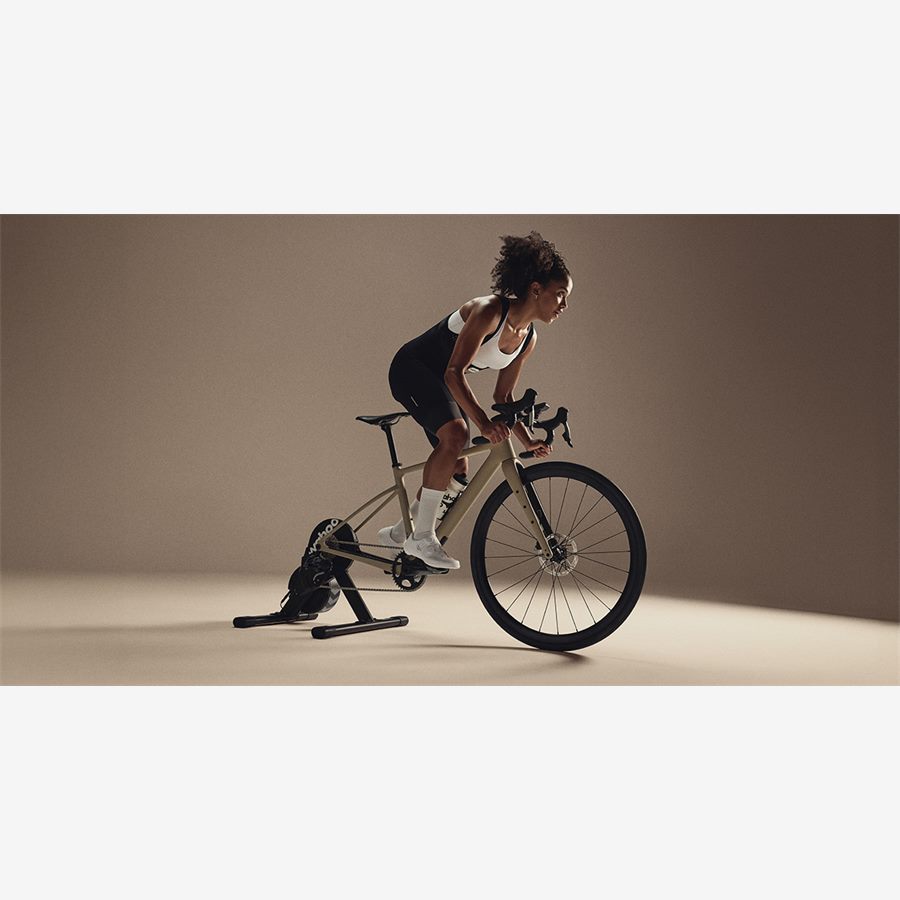
- Choose one Cog-based trainer with two bicycles when fit differences are large but axle standards are compatible.
- Choose two stations when both riders train at the same time or changeover regularly kills sessions.
- Use separate app accounts, FTP values, heart-rate sensors, and training histories.
- Create a physical fit card and a five-minute handover checklist for each rider.
Sharing indoor hardware can save thousands of dollars and an entire room, but only if the changeover is short enough that both people actually ride. The wrong shared setup turns every session into a negotiation about saddle height, cassette noise, app accounts, and who changed the pedals.
The best architecture depends on the difference between the riders: body dimensions, preferred position, drivetrain, training schedule, and app choice. Start with those deltas before choosing hardware.
The three shared-setup architectures
Do not choose from purchase price alone. Time a realistic handover. If moving one smart bike between profiles takes four minutes but mounting another bicycle takes twelve, the smart bike has a meaningful adherence advantage. If changing crank length and saddle takes fifteen minutes, two complete bicycles may be easier.
| Architecture | Best when | Main friction |
|---|---|---|
| One adjustable smart bike | One room, large budget, different riders | Repeated saddle, cockpit, and possible crank changes |
| Two bikes on one trainer | Both own comfortable bikes and ride at different times | Mounting, axles, chain line, and drivetrain compatibility |
| Two complete stations | Schedules overlap or both train seriously | Highest cost, power, cooling, screen, and floor-space demand |
Measure the fit delta between riders
Record saddle height, setback, saddle-to-hood reach, bar drop, crank length, preferred saddle, pedal system, and handlebar width for both riders. The absolute numbers matter less than the difference. Two riders separated by 15 cm in height can sometimes share easily; two riders of similar height can need very different reach because their torso, mobility, and riding style differ.
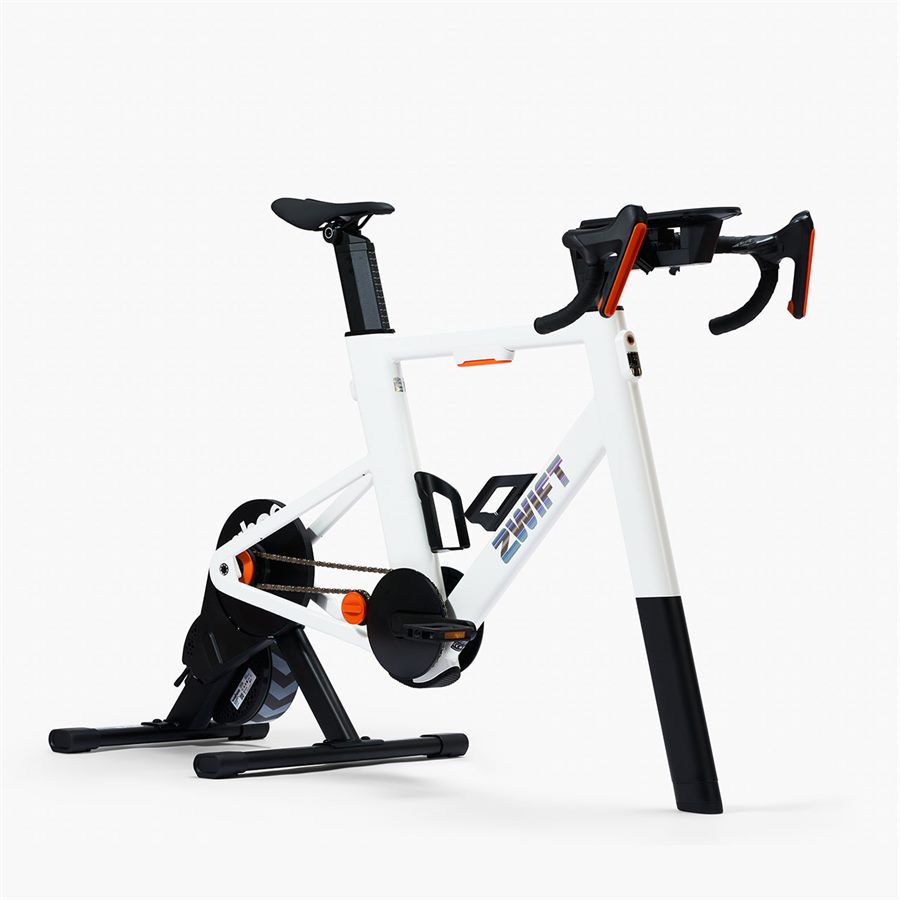
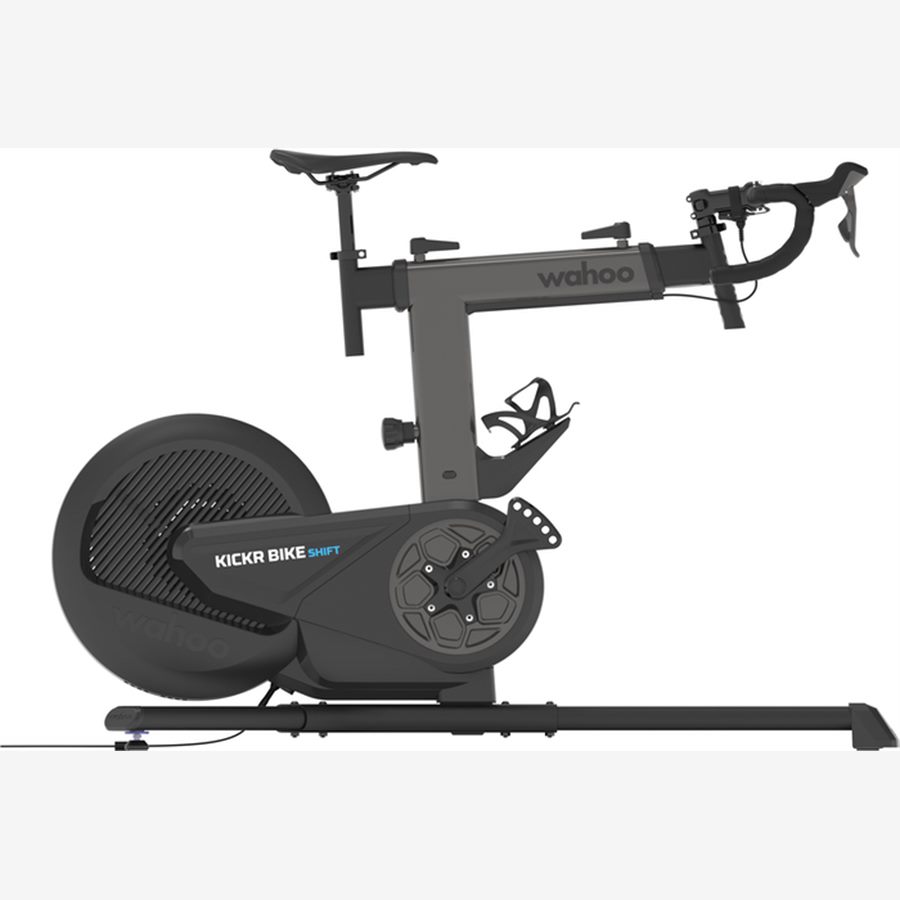
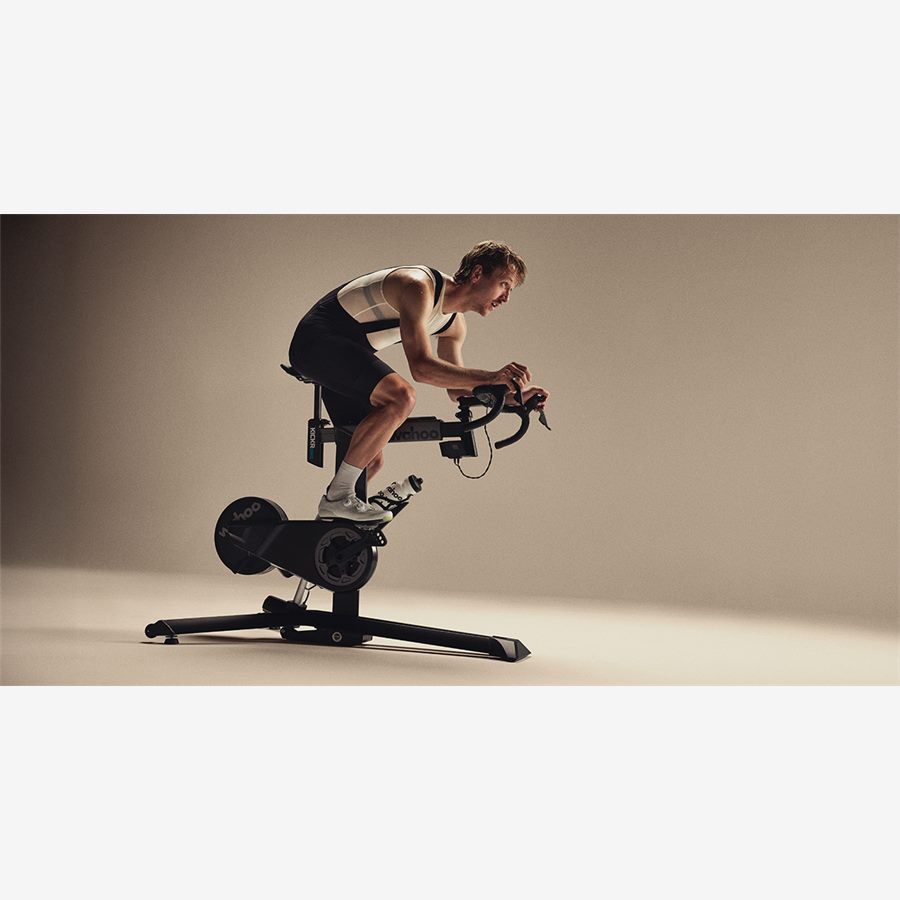
A smart bike with quick rails solves height and reach changes, but not every touchpoint. A single saddle may be unacceptable, bar width is often fixed, and changing crank holes is slower than sliding a post. Zwift Ride ships with 170 mm cranks, while its optional adjustable set adds five lengths. Wahoo BIKE models provide five crank positions as standard.
| Difference | Low-friction solution | High-friction warning |
|---|---|---|
| Saddle height only | Marked post or recorded scale | Riding before clamp is secured |
| Height + reach + drop | Smart bike with recorded 4-5 point profile | Eyeballing every session |
| Different saddles | Second saddle/seatpost assembly if supported | Repeated rail-clamp work |
| Different crank lengths | Multi-position crank with recorded hole | Forgetting saddle-height compensation |
| Different pedal systems | Agree on one system or use dual-sided pedals | Repeated pedal-thread wear |
If sharing a trainer, solve compatibility before convenience
Two bicycles can share one direct-drive trainer only when each frame is supported and the changeover hardware is understood. Check quick-release versus 12x142 or 12x148 thru-axle, brake and derailleur clearance, freehub body, chain width, and whether both drivetrains work acceptably with the installed cassette.
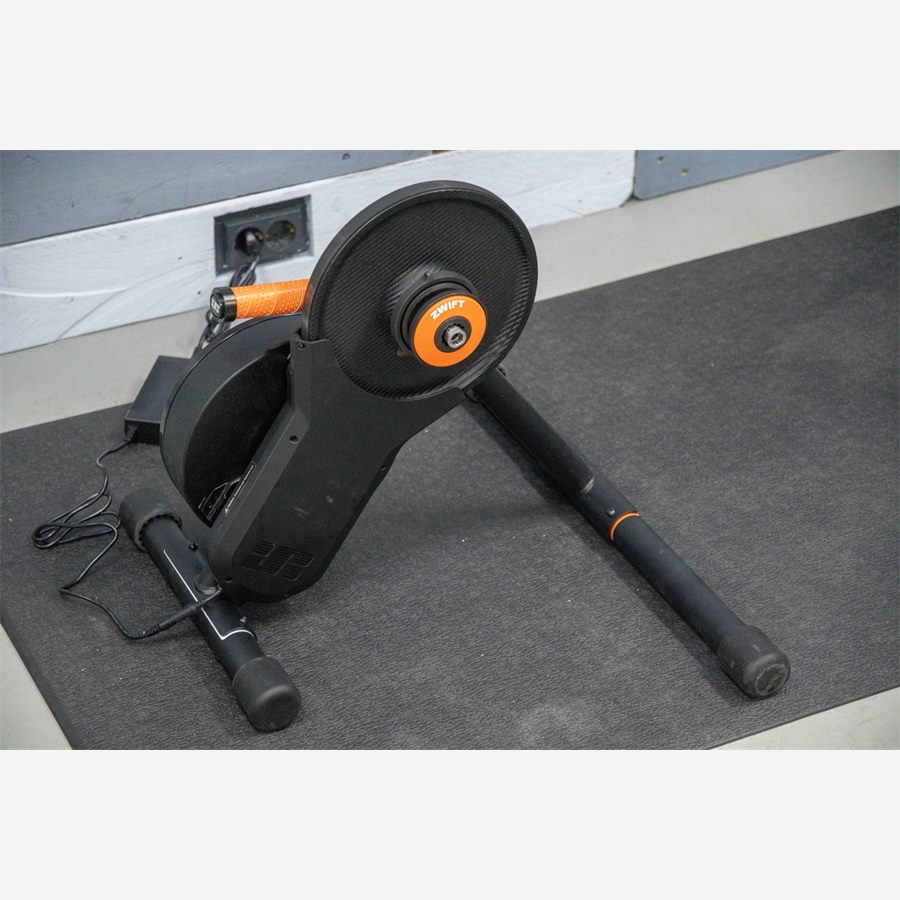
A conventional cassette is easiest when both bikes use the same speed family and compatible chain line. Zwift Cog and virtual shifting can simplify different 8-13-speed drivetrains on supported bikes and apps because the physical sprocket no longer represents the virtual gears. It does not make unsupported axles, frame shapes, or app controls compatible.
Keep every required spacer and axle adapter at the station in a labeled tray. A missing drive-side spacer at 6 a.m. is enough to cancel the session and can damage a frame or trainer if the rider improvises.
Never force a frame onto a trainer or stack unverified adapters. Confirm the exact trainer manual and bicycle-frame guidance, especially for unusual dropout shapes or carbon frames.
Separate the hardware, account, and sensor profiles
Shared hardware does not mean shared training data. Each rider needs an individual account, body weight, FTP, heart-rate zones, workout history, and racing profile. Zwift states that each user must have a separate membership; using another person's account creates inaccurate speed, category, and training data.
Name heart-rate straps and power meters clearly in each device. If Rider A uses trainer power and Rider B uses pedal power, their FTP values are not directly interchangeable. Test and set zones from the power source each person will normally use.
On Apple TV or another connection-limited device, document the pairing route. One rider may bridge sensors through a companion app while the other pairs directly. A short pairing checklist prevents the common failure where yesterday's phone silently reconnects and steals the trainer.
Build a five-minute changeover workflow
- 1
End and sync the first session
Save the activity, close the controlling app, disconnect personal sensors, and wipe the contact points.
- 2
Load the physical profile
Set frame or bicycle, saddle height, setback, reach, stack, and crank position from the rider's card. Never adjust while mounted.
- 3
Confirm safety points
Check thru-axle or frame clamps, saddle and bar releases, pedal security, trainer feet, and power cable.
- 4
Open the correct account
Confirm name, weight, FTP, and selected workout before pairing. Do not assume the last login changed.
- 5
Pair and perform a one-minute check
Verify power, cadence, resistance control, heart rate, virtual shifting, and fan before beginning the workout.
Shared sweat and maintenance rules
Two riders can double operating hours without either noticing. Track total bike hours, not only personal sessions. Zwift's Ride schedule calls for checks after the first ten hours and recurring tasks at 30, 90, 180, and 360-hour intervals. A shared household reaches those thresholds quickly.
Give each rider a towel and make the person finishing responsible for wiping the saddle, bars, controllers, frame, and floor. Use mild manufacturer-approved cleaning methods, keep sweat away from adjustment rails, and leave airflow running long enough to dry the station.
If saddle or pedal preferences differ, assign ownership and storage. Mixing sweaty contact points without a routine is a small issue until it becomes the reason one person stops using the room.
The scheduling edge case most buying guides ignore
One shared machine cannot solve simultaneous workouts. Compare calendars before hardware. If both riders train before work, follow live events, or need the same evening window, the shared setup creates a queue regardless of how fast it adjusts.
Two lower-cost trainer stations may produce more household training than one flagship bike. They also need two fans, more power outlets, more Bluetooth planning, and enough screen capacity. A hybrid setup can work well: one permanent smart bike for the high-volume rider and one compact trainer that unfolds when schedules overlap.
| Schedule pattern | Best layout |
|---|---|
| Rare overlap | One adjustable smart bike |
| Alternating days, both own bikes | One virtual-shifting trainer |
| Frequent simultaneous workouts | Two stations |
| One high-volume + one occasional rider | Permanent primary station + compact secondary trainer |
What we would buy for each household
- Small apartment, two recreational riders: Zwift Ride if both fit and Zwift/ROUVY covers the software plan.
- Two experienced cyclists with very different positions: CORE 2 or another compatible Cog-based trainer, using each rider's own bike.
- Two racers with overlapping schedules: separate trainers, even if each unit is less expensive.
- One committed multi-app rider plus one occasional user: KICKR BIKE SHIFT if the occasional rider fits it comfortably.
- One rider outside a smart bike's fit or weight range: do not compromise; use a correctly sized bicycle and compatible trainer.
Run a seven-day friction audit before buying: note who rides when, how long the current setup takes, every fit difference, and every device each person pairs. Buy the architecture that removes the repeated blockers.
Key takeaways
- The fit difference and schedule overlap between riders matter more than the headline hardware price.
- Virtual shifting simplifies drivetrain sharing but does not remove axle and frame checks.
- Every rider needs separate accounts, zones, sensors, and fit records.
- Shared operating hours accelerate maintenance intervals.
- When sessions overlap, two modest stations can outperform one premium shared bike.
FAQ
No. Zwift requires each user to have a separate membership because weight, FTP, activity history, and racing calculations are personal.
Sources and further reading
Primary research, public guidance, and product documentation used to check the claims in this guide.
- Zwift account FAQ and separate-membership policyZwift Support
- Zwift Ride fit range and current ROUVY compatibilityZwift Support
- Adjusting your Zwift RideZwift Support
- Zwift Ride maintenance intervalsZwift Support
- KICKR CORE 2 drivetrain and axle compatibilityWahoo
- Tacx NEO Bike Plus multi-rider geometry guidanceGarmin