Fast summary
- Read the rule for your exact model and generation: manual spindown, automatic calibration, and no-calibration designs all exist.
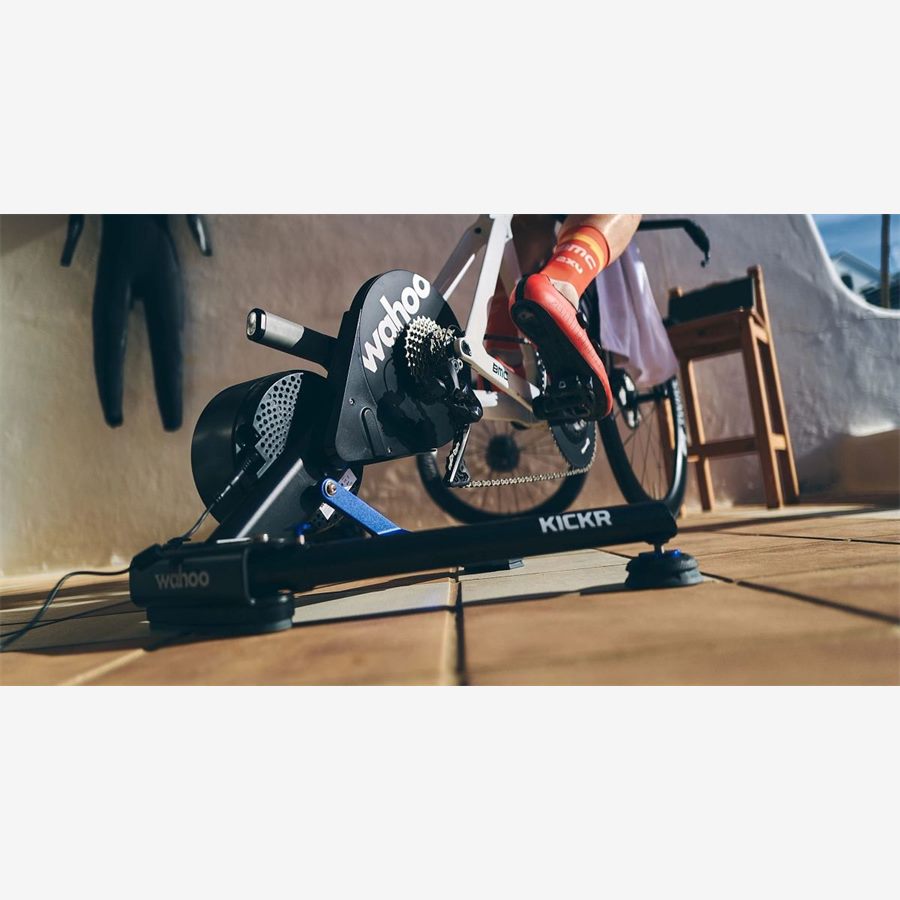
- Wahoo lists automatic spindown for KICKR v5+, MOVE, and CORE generations; CORE guidance still allows a warm manual spindown at initial setup or after transport.
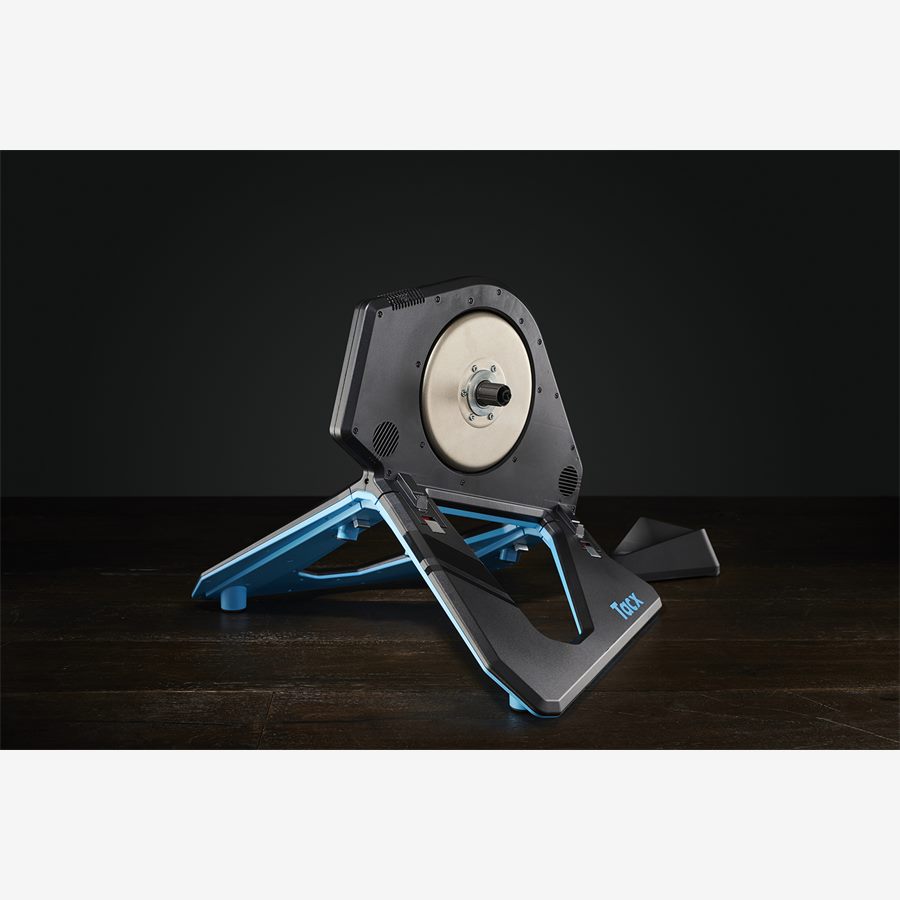
- Garmin says Tacx NEO-series trainers do not require calibration; Tacx FLUX models use spindown calibration.
- A factory spindown is a troubleshooting procedure, not routine maintenance. Do not run one unless manufacturer support directs you.
The most repeated smart-trainer calibration advice—warm up for ten minutes and run a spindown before every important ride—is now wrong for a large share of current hardware. Some trainers calibrate while you coast. Some cannot be manually calibrated. Others still need a deliberate spindown.
The correct schedule belongs to the model, not the category. Use the decision process below before you touch a calibration button.
First identify your calibration class
| Trainer family | Routine method | Practical rule |
|---|---|---|
| Wahoo KICKR v5/v6 and MOVE | Automatic spindown | Coast briefly during or after warm-up; routine manual spindown is not needed |
| Wahoo KICKR CORE generations | Automatic calibration; manual option varies | Follow the current Wahoo app/model prompt; initial or post-transport manual spindown may be advised |
| Older Wahoo KICKR generations | Manual spindown | Warm up and use the Wahoo app procedure |
| Tacx NEO series | No calibration process | Update firmware; do not invent a spindown workflow |
| Tacx FLUX series | Manual spindown | Use Tacx Training after mechanical changes, transport, prompts, or per Garmin schedule |
| Other brands/models | Model-specific | Check the manufacturer app and current support page by full model name |
Do not copy a calibration schedule from a review of an older generation. Confirm the hardware revision in the manufacturer app or on the serial label.
What a spindown measures—and what it cannot fix
During a conventional spindown, you accelerate the trainer to a target speed and stop pedaling. The trainer observes how the flywheel slows, estimates internal drag, and updates the coefficient used in its power calculation. Temperature, belt behavior, bearings, tire pressure on wheel-on units, and mechanical changes can influence that drag.
Calibration cannot repair a loose cassette, dirty chain, wrong axle adapter, dropping wireless connection, incorrect crank-length setting in a separate power meter, or a failing bearing. If the symptom is noise, data gaps, or physical movement, solve that system first.
- Spindown is about the trainer's resistance model, not your fitness or FTP.
- Zero offset is the related calibration action for many strain-gauge bike power meters; it is not the same procedure.
- Auto-calibration usually needs a brief period of coasting. A workout with no coasting at all may delay the event on systems that detect flywheel deceleration.
- A successful app message proves the process completed; it does not prove every power discrepancy comes from calibration.
Safe manual-spindown procedure
- 1
Confirm it is supported
Open the current manufacturer support page for the exact model and generation. If the app has no normal spindown control, do not hunt for a hidden factory routine.
- 2
Update before testing
Use the manufacturer's mobile app to install stable firmware, then power-cycle the trainer if instructed.
- 3
Warm to operating condition
Ride for the manufacturer-stated duration. Wahoo's CORE setup guidance specifies at least 10 minutes and ideally calibration after the workout.
- 4
Remove connection conflicts
Close Zwift, TrainerRoad, head-unit trainer control, and other apps. Connect only the manufacturer's app for the calibration.
- 5
Spin up smoothly
Follow the target speed shown. Stop pedaling completely when instructed and let the flywheel coast without braking or touching the drivetrain.
- 6
Record the outcome
Note success or error and the date. Repeated failure after firmware and connection checks is a support issue, not a reason to run the test endlessly.
When to calibrate—and when to leave it alone
For a manual-spindown model, transport, a large ambient-temperature change, mechanical service, a manufacturer prompt, or repeatable power drift are defensible triggers. Wheel-on trainers need more frequent attention because tire pressure and roller tension change the system directly.
For auto-calibrating or no-calibration models, routine intervention adds no value. Keep firmware current, allow the prescribed coast behavior, and investigate power concerns with repeatable dual recording before escalating.
| Event | Manual model | Auto/no-calibration model |
|---|---|---|
| First installation | Run the documented setup calibration | Complete setup/firmware steps; follow any explicit model prompt |
| Moved across the room | Usually unnecessary unless environment changed | No special action in most cases |
| Transported in a car | Calibrate after warm-up if manufacturer advises | Follow model guidance; CORE may allow a post-transport manual spindown |
| Seasonal temperature swing | Recheck after warm-up | Let automatic behavior work; NEO requires no calibration |
| Power suddenly drops to zero | Troubleshoot connection first | Troubleshoot connection first |
If calibration fails
Close every app that could own the trainer connection, connect through the manufacturer's app, verify firmware, and power-cycle the trainer. Wahoo specifically recommends isolating the target app and resetting the trainer when spindown fails. Garmin likewise points Tacx users to current app and trainer software before another attempt.
Stop if repeated tests return implausible results, the flywheel does not coast freely, or the trainer makes new mechanical noise. Preserve the error message and contact support. A factory spindown changes deeper parameters and belongs in a manufacturer-led troubleshooting sequence.
Key takeaways
- Calibration advice is model- and generation-specific.
- Warm manual spindowns are appropriate only for trainers that support or require them.
- Tacx NEO needs no calibration; newer Wahoo families use automatic spindown behavior.
- Connection faults, drivetrain problems, and power-meter settings are not fixed by repeated calibration.
FAQ
Use the schedule for your exact model. Some current trainers auto-calibrate continuously, Tacx NEO models require no calibration, and manual-spindown models may need calibration after transport, mechanical changes, major temperature changes, prompts, or on the manufacturer's stated schedule.
Sources and further reading
Primary research, public guidance, and product documentation used to check the claims in this guide.
- Auto spindown calibration for KICKR v5+, MOVE, and COREWahoo Fitness Support
- Set up and calibrate KICKR COREWahoo Fitness Support
- Spindown calibration troubleshootingWahoo Fitness Support
- Tacx NEO power calibration guidanceGarmin Support
- Tacx calibration troubleshootingGarmin Support